







What is Google Play and how does it work? It is Google’s collection of services and storefronts that help Android users discover, install, update, and manage apps, games, books, films, and other digital content. The exact selection varies by country, device, developer support, and account settings.
For beginners, the most important distinction is between Google Play as a wider platform and the Google Play Store as the app used to browse and download content. Google Play also includes background services that help apps communicate with the Android operating system.
Google Play Store explained
The Google Play Store is a marketplace built into many Android devices. You can search by name or category, open an app’s listing, read its description, check screenshots, review the developer, and see the permissions or compatibility information presented on the page.
Free apps can usually be installed without a purchase, although they may offer advertising, subscriptions, or optional in-app purchases. Paid content requires an accepted payment method or available account balance. A listing such as “EBAY $850 SPECIAL GIFT CARD OFFER” should not be treated as a Google promotion unless it appears through a clearly identified, trusted source.
Google Play account basics
A Google Account is normally used to download apps and manage purchases. The account connects your library, payment settings, subscriptions, parental controls, and some installation preferences across compatible devices.
Signing in does not give every app access to your personal information. Each app requests permissions separately, and Android may let you allow, deny, or later change access to features such as location, contacts, a camera, or a microphone. Review those requests before granting them.
- Use a strong, unique Google Account password.
- Turn on available account security checks and two-step verification.
- Keep payment details and recovery information current.
- Review subscriptions and purchase history regularly.
- Install apps from trusted developers and check recent reviews.
Never enter your Google password into a page opened by an unexpected message. A phrase such as “PAYPAL $1,000 EXCLUSIVE REWARD OFFER” does not prove that an offer is connected to Google Play or that it is safe.
How apps are installed and updated
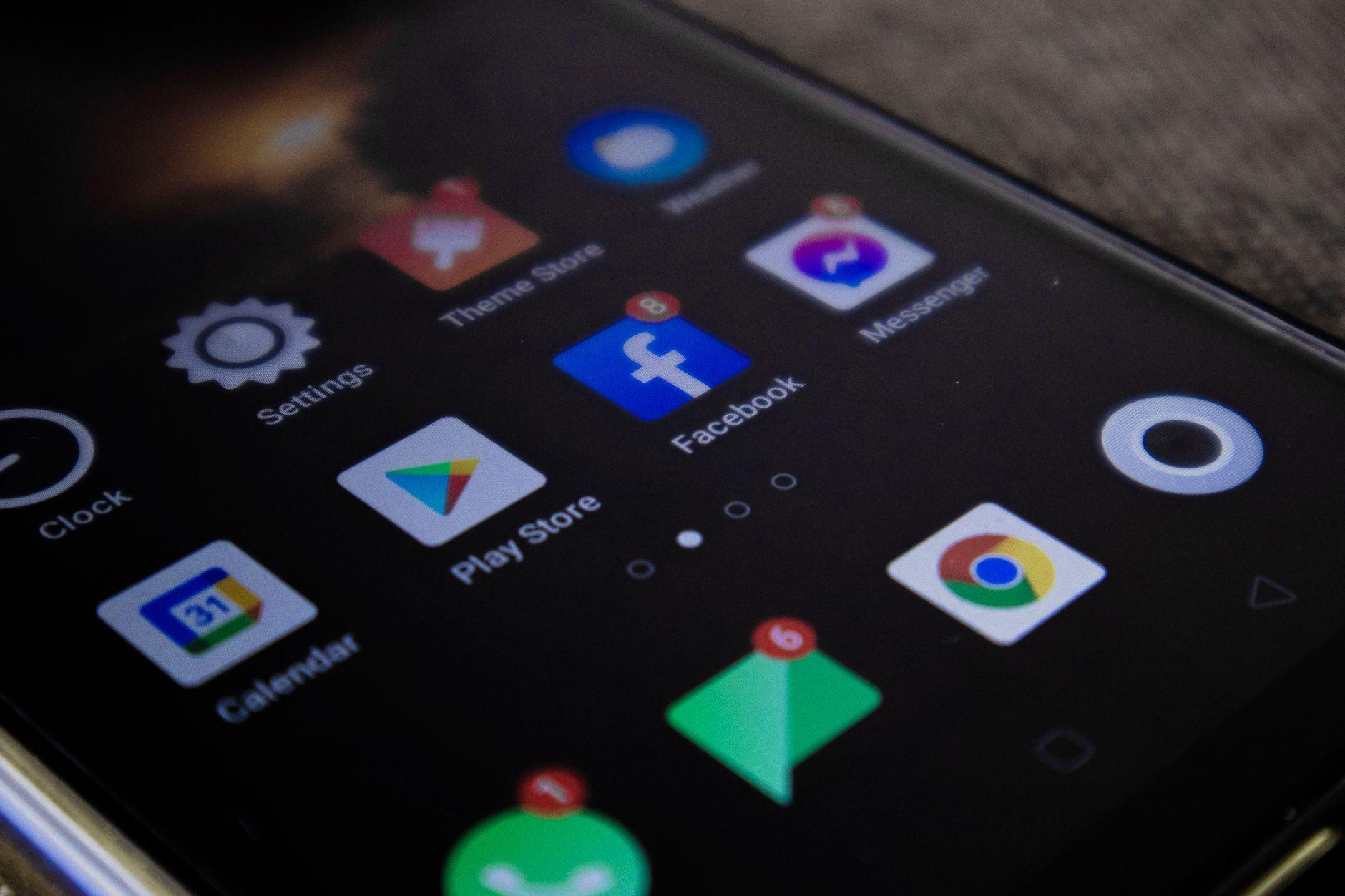
When you tap Install, Google Play checks whether the app is available for your device and account. It then downloads the software and Android places it among your installed apps. The process may require Wi-Fi, mobile data, storage space, or confirmation of a device lock, depending on your settings.
Updates deliver new features, bug fixes, compatibility changes, and security improvements. Automatic updates can reduce the chance of running an old version, while manual updates give you more control over when downloads happen. If an app will not install, check storage, connectivity, device compatibility, and whether the developer still supports your Android version.
Google Play services and safety
Google Play services is separate from the Play Store. It provides shared software features that many Android apps use, such as account sign-in, location functions, notifications, and connections to Google services. It generally works in the background, so users may notice its effects without opening a separate app.
Google Play also applies automated checks and displays information intended to help users assess apps, but no marketplace can remove every risk. Read the developer name, requested permissions, privacy information, and reviews before installing. Be especially cautious when an app listing or message uses unrelated language such as “MASTERCARD $2,500 BONUS REWARD.”
Purchases, refunds, and parental controls
Digital purchases are linked to the Google Account used during checkout. Depending on the product and region, you may buy an app once, start a subscription, or pay for optional content inside an app. Subscriptions normally renew until cancelled, so check the account’s payments or subscriptions area rather than simply deleting the app.
Families can use parental controls and approval settings to limit some content or purchases. The available controls differ by product, age setting, country, and family arrangement. For financial safety, check the final price and billing interval before confirming; a message promising a “NIKE $900 EXCLUSIVE SHOPPING REWARD” is unrelated unless independently verified.
A simple way to get started
- Open the Play Store and sign in with your Google Account.
- Search for the app and check its developer and permissions.
- Read the listing before selecting Install or the purchase button.
- Review updates, subscriptions, and account security from the profile menu.
Google Play brings discovery, installation, payments, updates, and shared Android services into one ecosystem. Understanding the difference between the Play Store, your Google Account, and Google Play services makes everyday app use easier and safer.
Frequently Asked Questions
Is Google Play the same as the Play Store?
No. The Play Store is the marketplace app, while Google Play refers more broadly to the marketplace and related services.
Do I need a Google Account to download apps?
Most Android devices require one for Play Store downloads, purchases, and library management.
Are all Google Play apps free?
No. Some are paid, and many free apps offer advertising, subscriptions, or optional in-app purchases.
Can I remove Google Play services?
It is a core component on many Android devices, and disabling or removing it may affect apps and system features.
Related Reading
- Miss International 2026: Final Gala Guide and Preview
- Daisy Fuentes fitness and aging: 6 practical lessons
- Google Play Best App 2026: Why Plaud Won