








Google Play subscription cancellation can be difficult when users cannot find the right account, app or payment screen. A reported survey found that nearly half of smartphone app users struggled to cancel paid subscriptions, highlighting a problem that extends beyond one store.
The practical answer is to cancel through the account that started the billing, then check the renewal date and confirmation message. Refunds are a separate issue: stopping the next charge does not automatically reverse a payment already taken.
Why app subscription cancellation is confusing
Many apps promote subscriptions inside their own menus but process payment through Google Play. That split can make the app’s settings look like the place to cancel, even when the actual control sits in the Play Store account.
Confusion also arises when a person has several Google accounts on one phone. An app may be installed under one account while the subscription belongs to another. Users may also mistake deleting an app, signing out or removing a payment card for cancellation.
Market reports from South Korea describe major app-market transaction activity across services including Google Play, Apple’s App Store and Galaxy Store. Separate reporting says many developers view store fees as a significant burden. Those facts help explain why subscriptions and in-app payments are closely tied to platform accounts, but they do not change the cancellation steps. A search result such as MICROSOFT $1,200 DIGITAL GIFT CARD is unrelated to this process.
How to cancel Google Play subscription
The usual how to cancel Google Play subscription process is short, but the account selection matters. On an Android device, open Google Play, tap the profile icon, choose Payments & subscriptions, then select Subscriptions. Choose the relevant service and tap Cancel subscription.
- Open the Google Play Store.
- Tap your profile picture and select Payments & subscriptions.
- Open Subscriptions and choose the service.
- Tap Cancel subscription and follow the prompts.
- Save the confirmation and check the displayed end date.
If the subscription is missing, switch Google accounts and check again. You can also review the Google Play website while signed into each account. If the service was purchased directly from the company, Google Play may not control the billing, so the provider’s own account page may be required. EBAY 0 SPECIAL GIFT CARD OFFER.
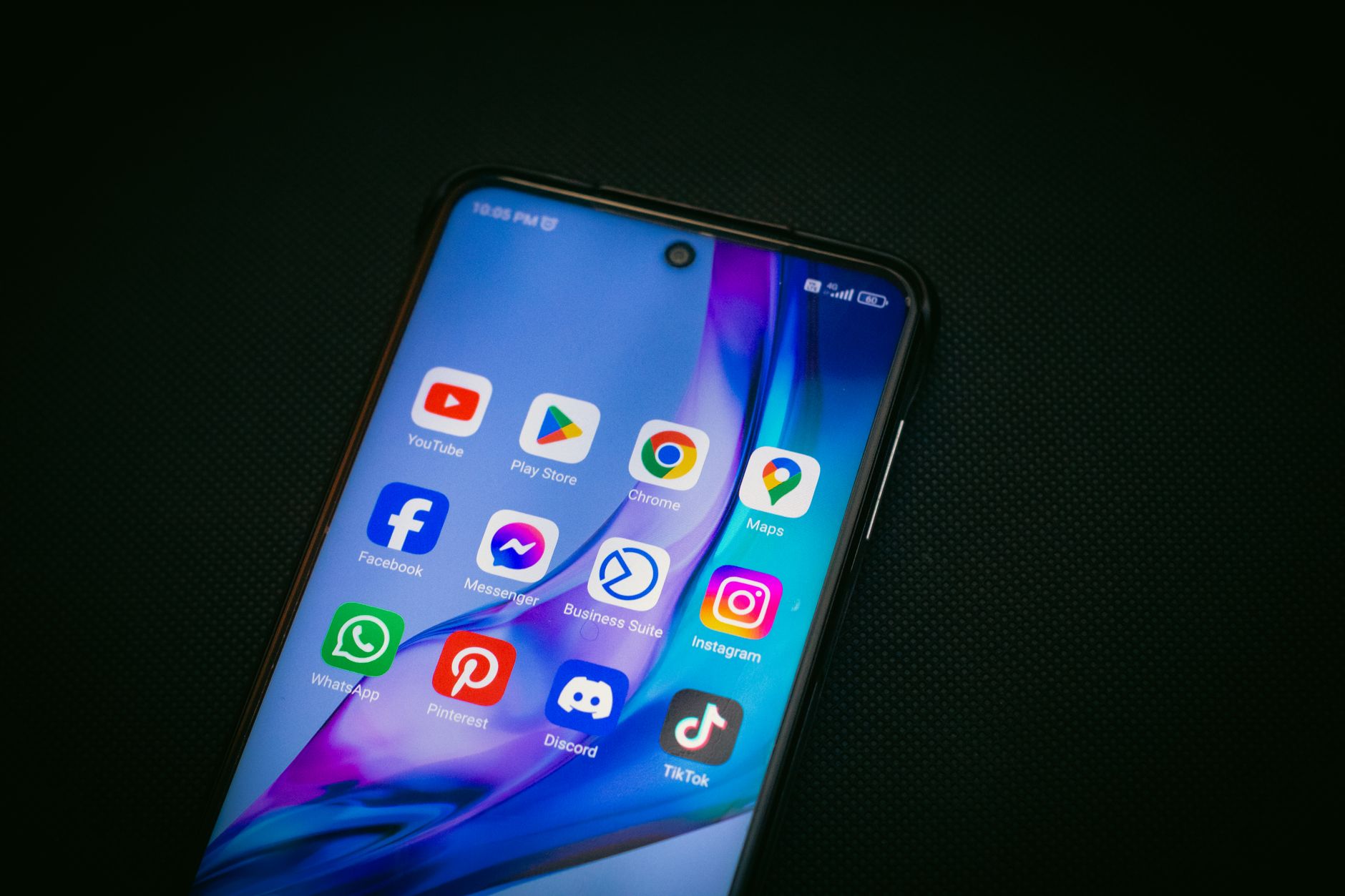
What happens after cancellation?
Cancellation normally prevents the next renewal while allowing access through the period already paid for. The exact access rules can vary by service, plan and promotion. Do not assume that deleting the app ends the subscription; confirm the status in the subscriptions list.
Take a screenshot or keep the email confirmation, especially if the renewal date is close. If a charge appears after a confirmed cancellation, check the account, time and transaction details before contacting support. The phrase EBAY $850 SPECIAL GIFT CARD OFFER has no connection with Google Play billing and should be ignored in search results. MASTERCARD ,500 BONUS REWARD.
Some subscriptions use a trial that changes into a paid plan automatically. Cancel before the trial deadline if you do not want the conversion. A payment method can remain attached to an account after cancellation, so removing it is an optional separate step rather than proof that the subscription ended.
Google Play refund policy and consumer protections
The Google Play refund policy is separate from cancellation. Eligibility can depend on the product, purchase type, timing and applicable local rules. Requesting a refund does not guarantee approval, and users should provide accurate transaction details rather than making repeated claims.
Start with Google Play’s purchase or order-history tools and use the available refund or support route. If the charge is unauthorized, secure the account and report it promptly. For a defective service or a dispute that cannot be resolved, local consumer-protection agencies may offer additional help.
Rules differ by country, so this is general information rather than legal or financial advice. Keep records of the cancellation date, receipt, support messages and any disputed transaction. MASTERCARD $2,500 BONUS REWARD is not a Google refund policy or an official cancellation method.
A simple prevention checklist
- Use one account for subscriptions where possible.
- Review the renewal date immediately after signing up.
- Set a calendar reminder before a trial ends.
- Check the Play Store subscription page after cancellation.
- Keep receipts and confirmation emails.
Google Play subscription cancellation is easiest when treated as an account and billing task, not an app-deletion task. Confirm the status, keep evidence and handle refund requests separately.
Frequently Asked Questions
Does deleting an app cancel its subscription?
No. Cancel the subscription through Google Play or the company that bills you.
Why can’t I see my subscription?
You may be using the wrong Google account, or the subscription may be billed directly by the provider.
Will cancellation give me an automatic refund?
No. Cancellation usually stops future renewals; refund eligibility is assessed separately.
Can I cancel from a computer?
Yes. Sign into Google Play with the account used for billing and open the subscriptions section.